The Reports page provides you with automated financial reporting for digital asset accounting. The reports can be downloaded in CSV format, and can be run for any period of time. Let’s dive deeper in the following reports.
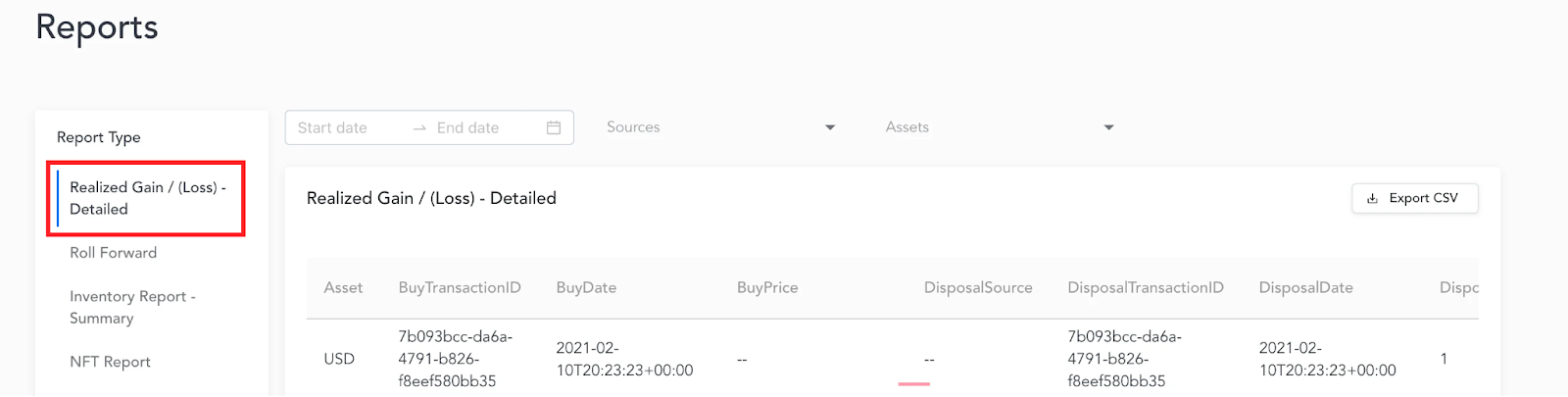
Realized Gain / Loss
The Realized Gain/Loss report contains all disposals during the period of time selected, cost basis associated with each disposal at the lot level, proceeds (market value at the time of disposal), and the Gain/Loss associated with each disposal.
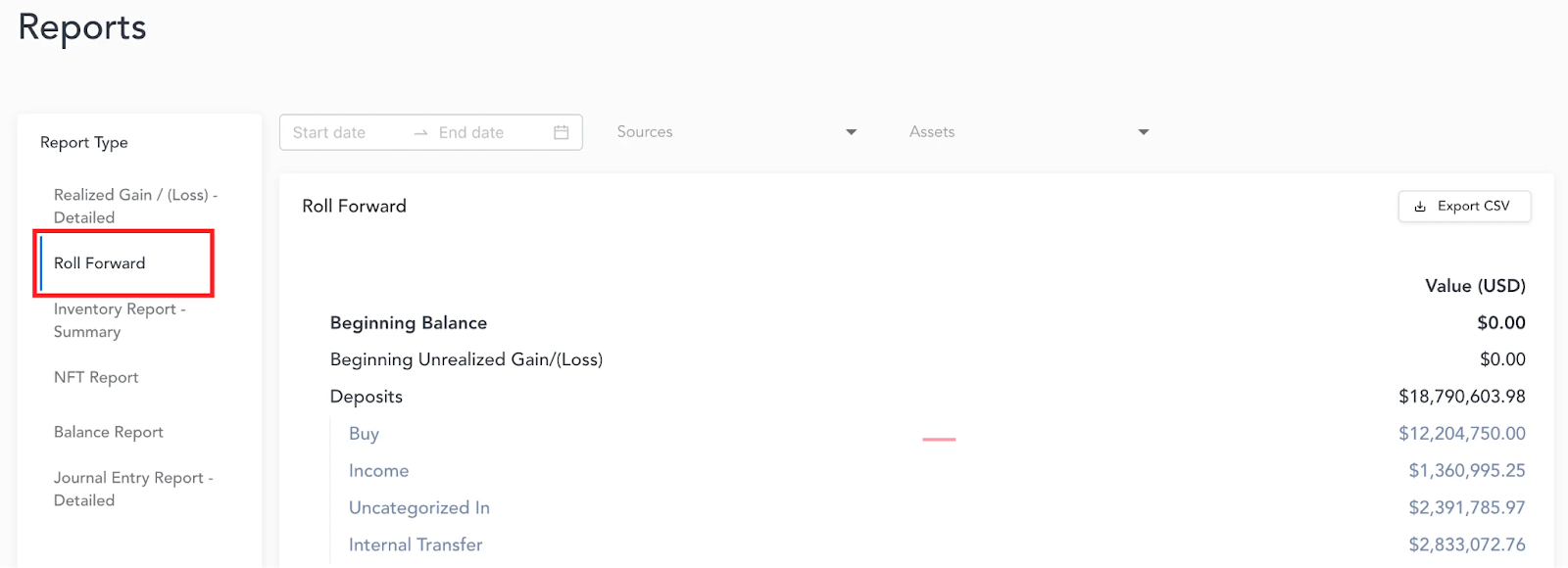
Roll Forward Report
The Roll Forward report calculates and presents the total starting balance value, activity that occurred during the period of time selected, and the ending balance of all digital assets held as of the end of the selected period. The values in the Roll Forward report are presented in USD, with the realized and unrealized gain or loss explicitly broken out.
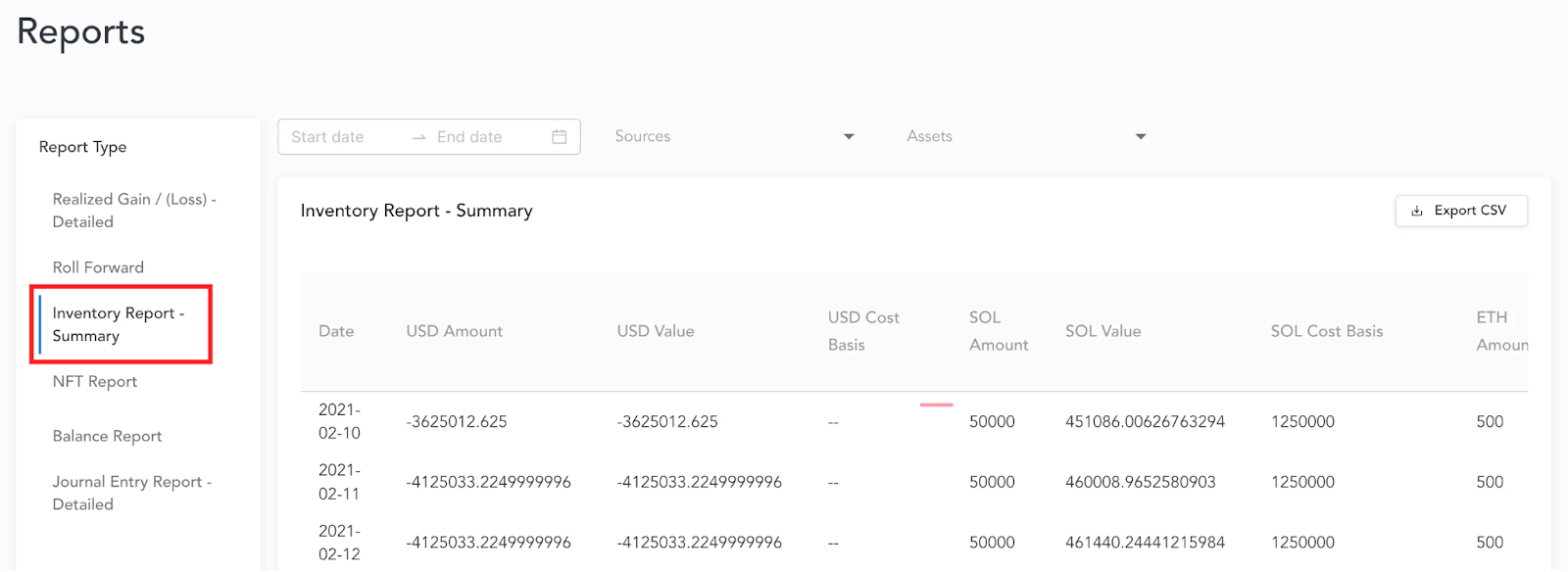
Inventory Report
The Inventory Report calculates daily inventory balances, cost basis, and market values by asset for the desired period of time.
NFT Report
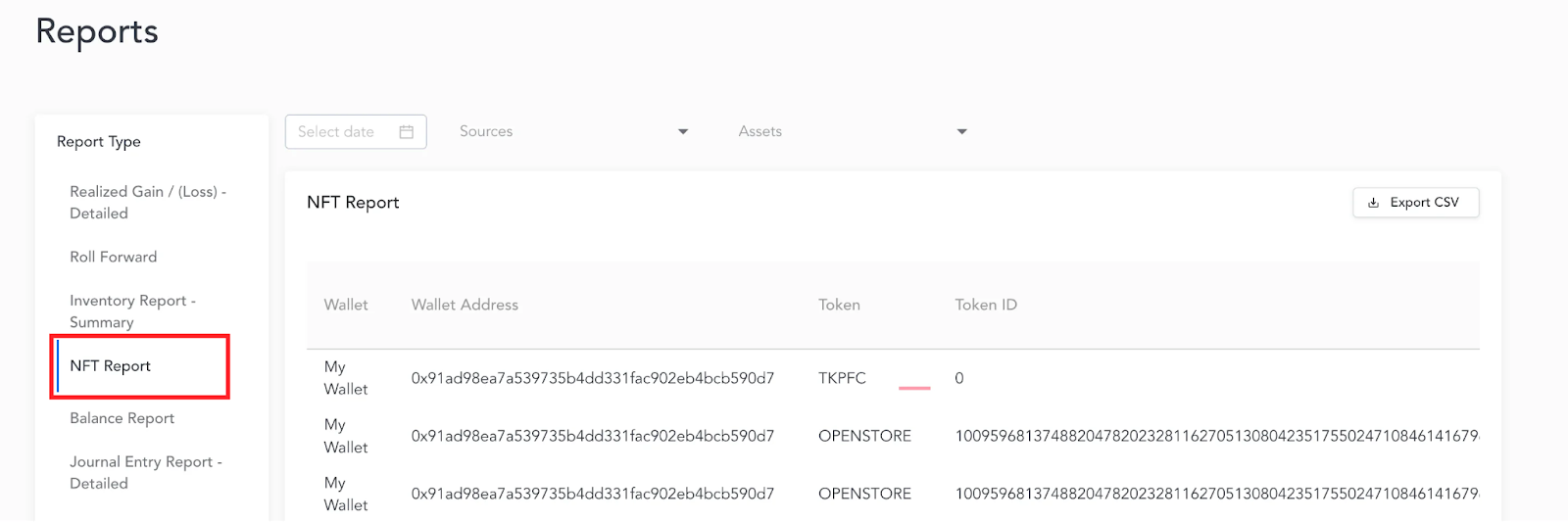
The NFT Report provides the wallet name, wallet address, token, token id, and cost basis for each NFT held as of the point in time selected from the date filter.
Balance Report
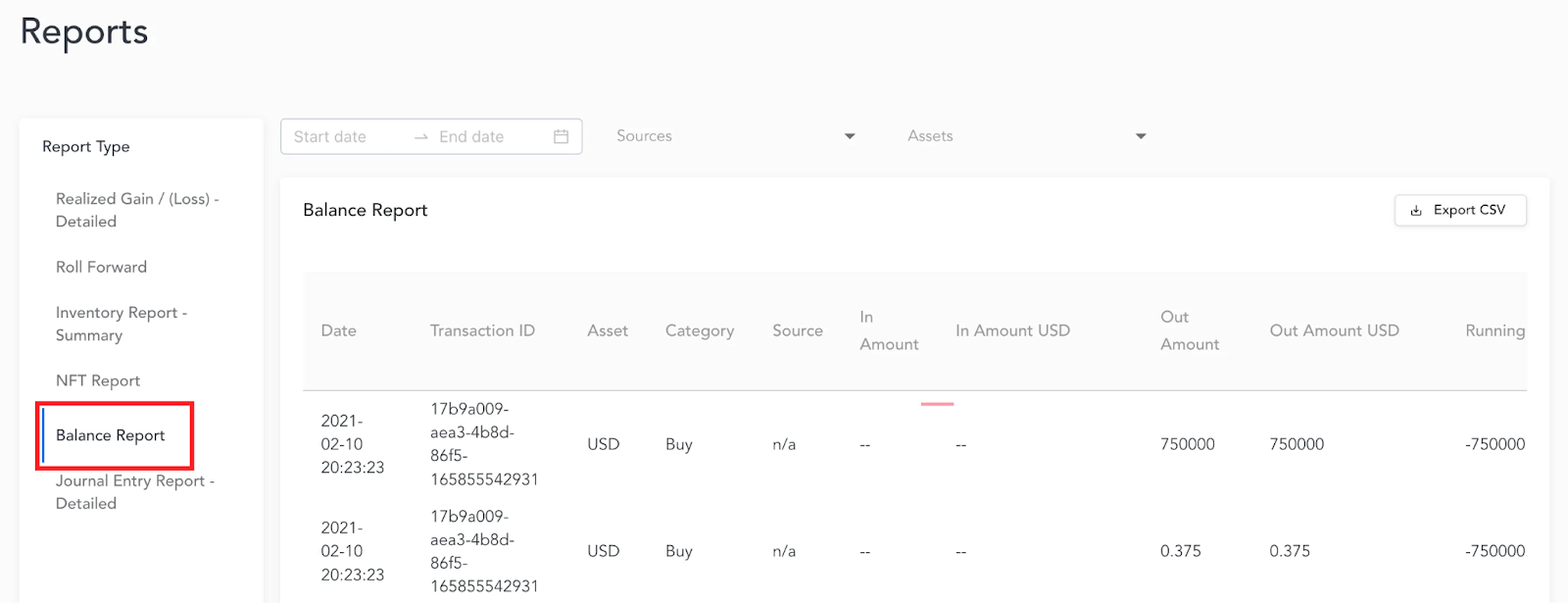
The Balance Report presents the inventory balance, total Market Value, total Cost Basis, and Realized and Unrealized Gain/Loss by asset by date based on a date range applied to the filter. The change in asset balance over time is displayed and calculated as well, which can be helpful in understanding inventory movement throughout the period.
Journal Entry Report
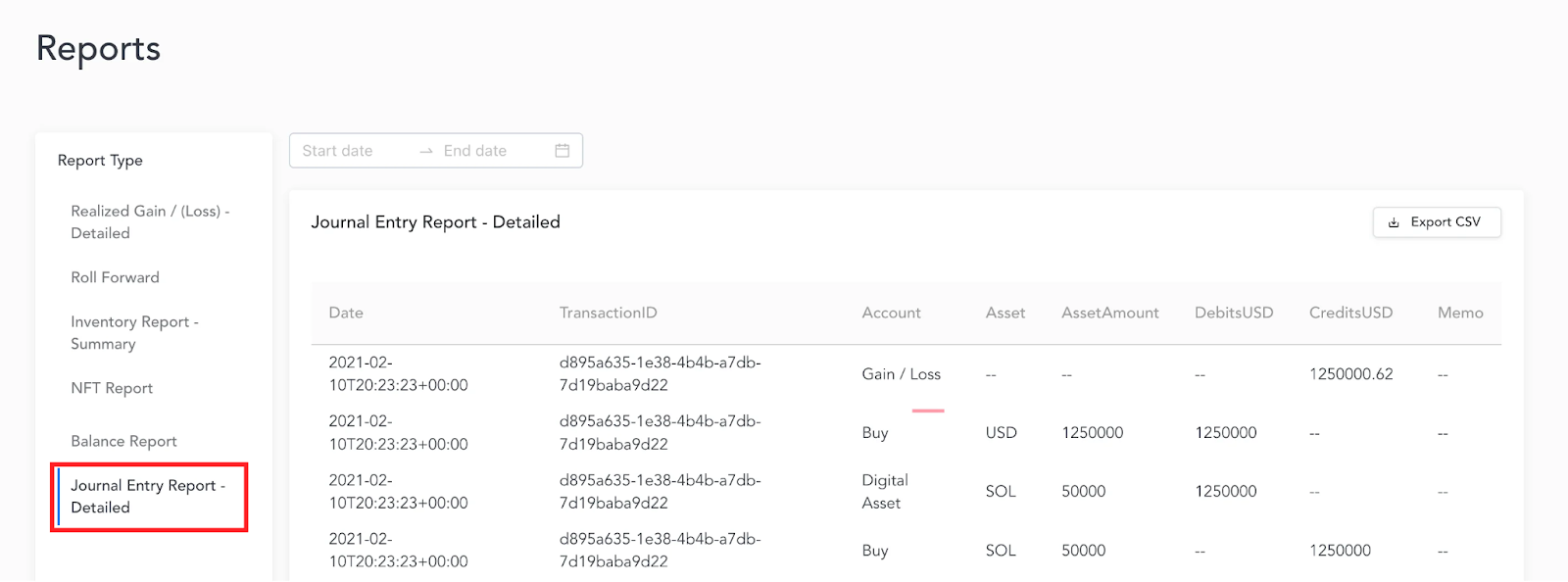
The Journal Entry Report is accessible with or without a connection to a local ERP and provides transaction-level journal entries with debits and credits broken down, asset, asset quantity, and USD values.