
This article will help guide you through how to access the Taxbit Accounting Suite and how to login from the Taxbit homepage.
Login Steps
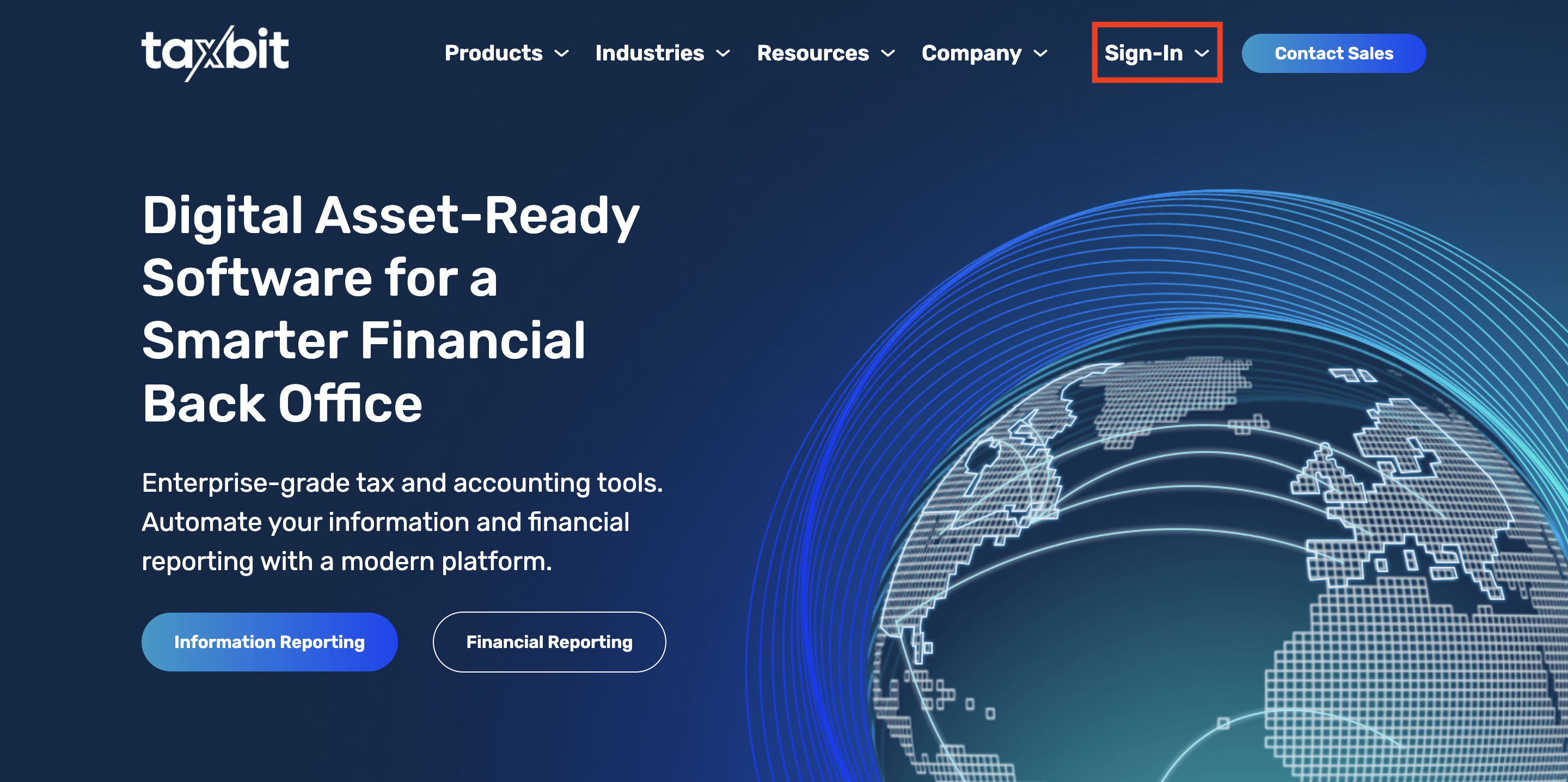
Step 1: Navigate to https://taxbit.com/ then follow the remaining steps below, or you can use this link to take you directly to the Taxbit Accounting Suite login portal: https://accounting.taxbit.com/
Step 2: From the dropdown options at the top of the page you’ll click “Sign In”.
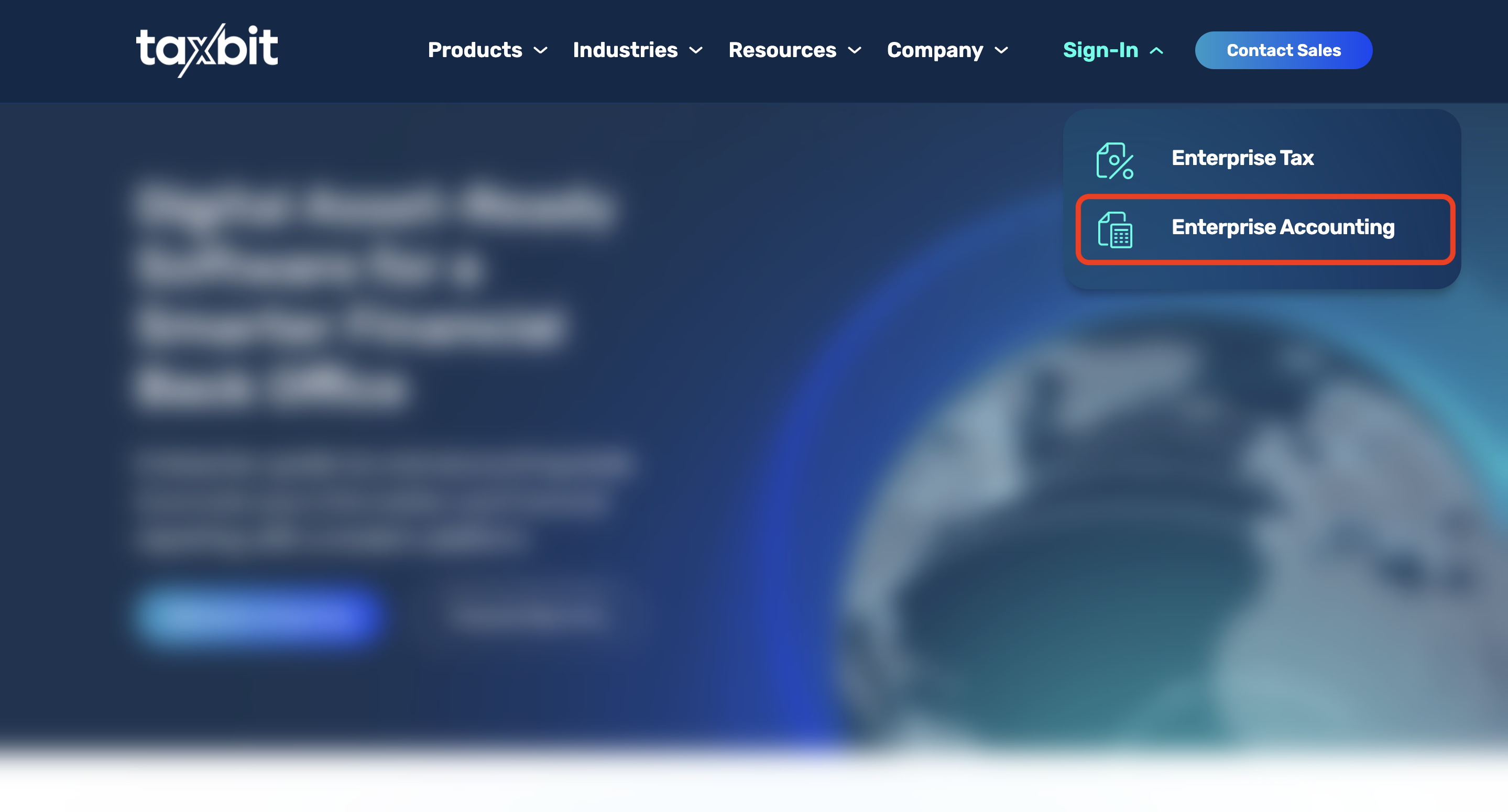
Step 3: Select “Enterprise Accounting” which will redirect you to the Taxbit Accounting Suite log in page:
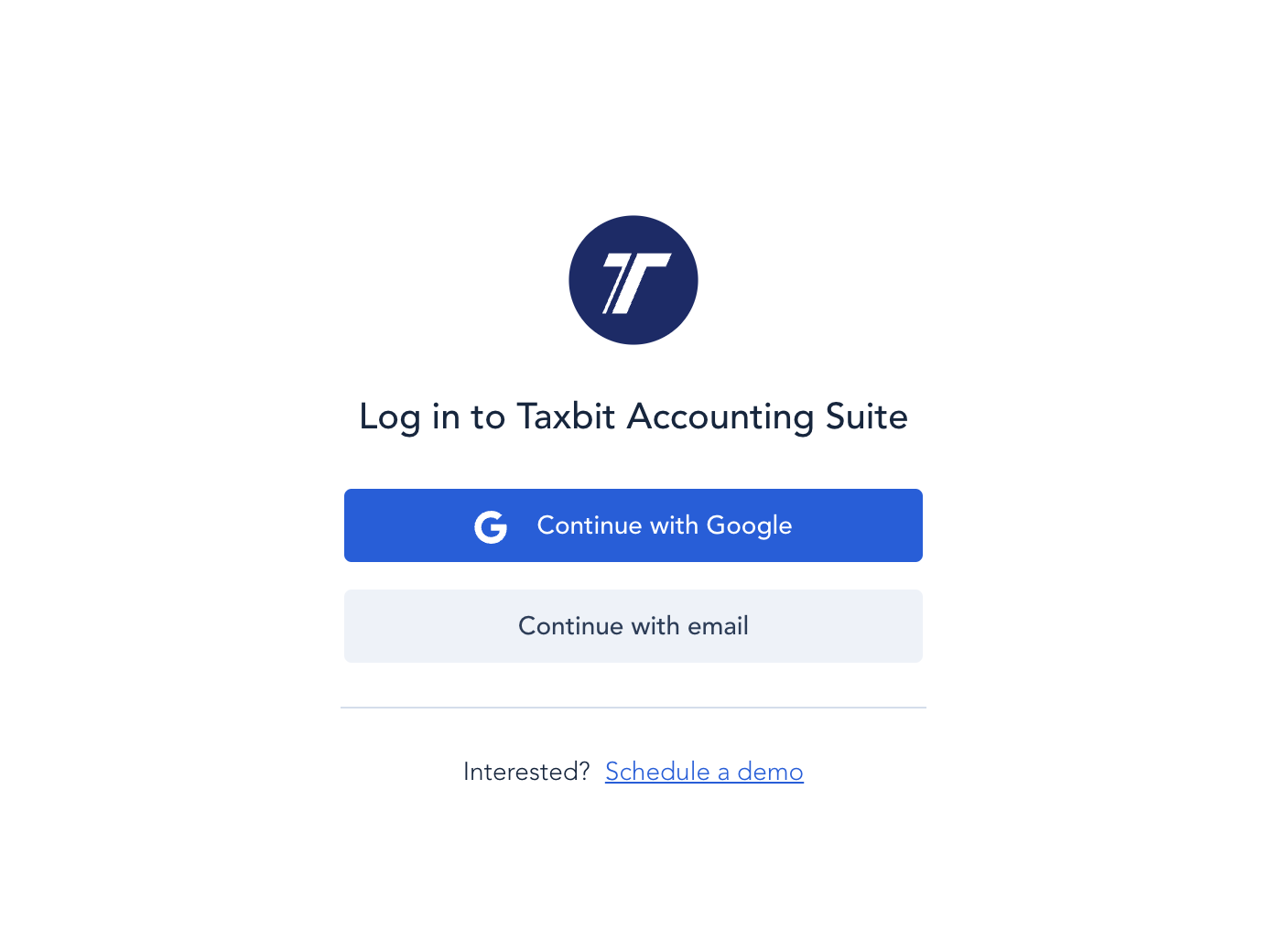
Step 4: If your account email is not a Google Account account select, “Continue with email”. If your account is set up with a Google Account account you’ll select “Continue with Google”.
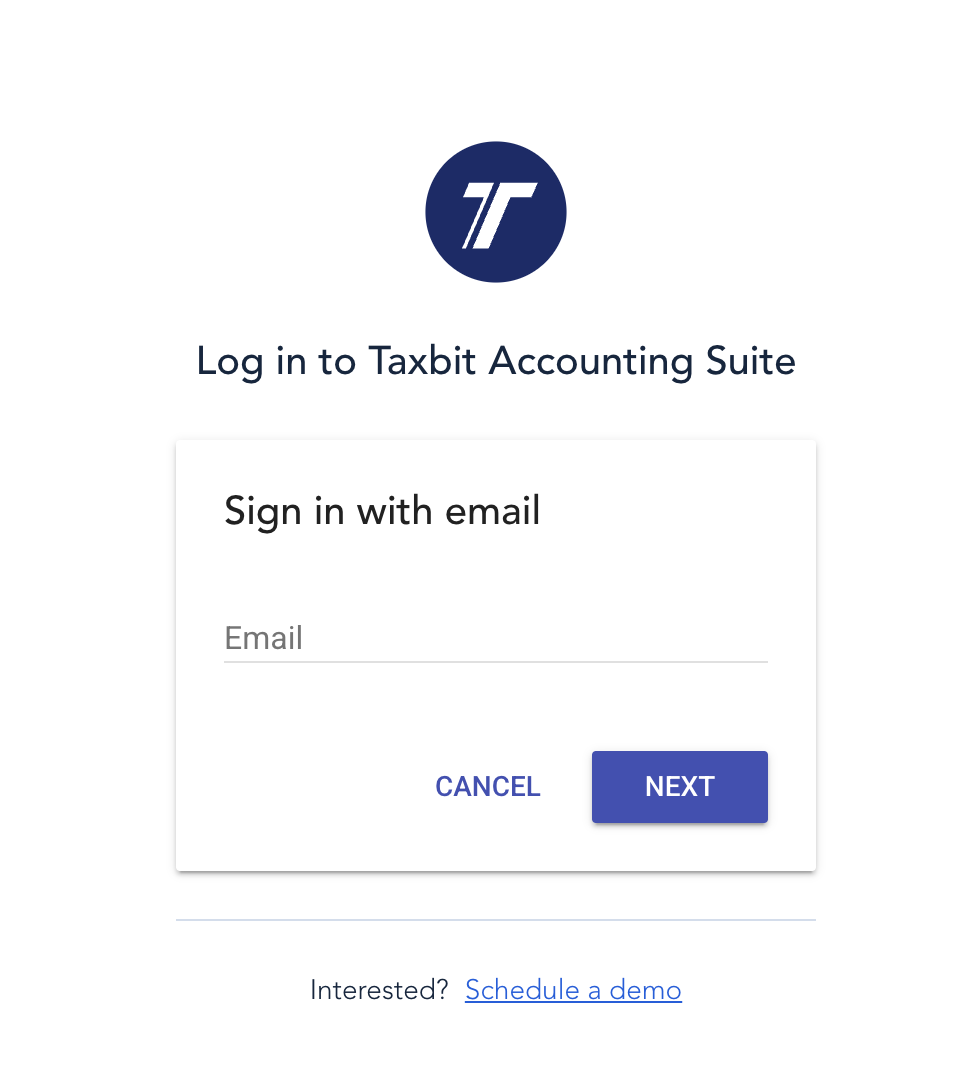
Step 5: This step will depend on whether your account is set up with a Google Account or not.
Please note: If you select “Sign in with email” and enter your Google Account email address it will redirect you to “Sign in with Google”.
a. If you’re using a something other than a Google Account account, you’ll enter the email address and hit “Next”. From there, you’ll be prompted to enter your password to login.
b. If you’re using a Google Account email address, a window will pop up for you to select the Google account to continue to the Taxbit Accounting Suite, or if one is not linked to your browser, you'll be asked to sign in to your Google account. Once you select the Google account or logged in, you’ll successfully be logged into Taxbit.