
Connection Steps
Below you will find a detailed guide on connecting Coinbase to the TaxBit Accounting Suite.
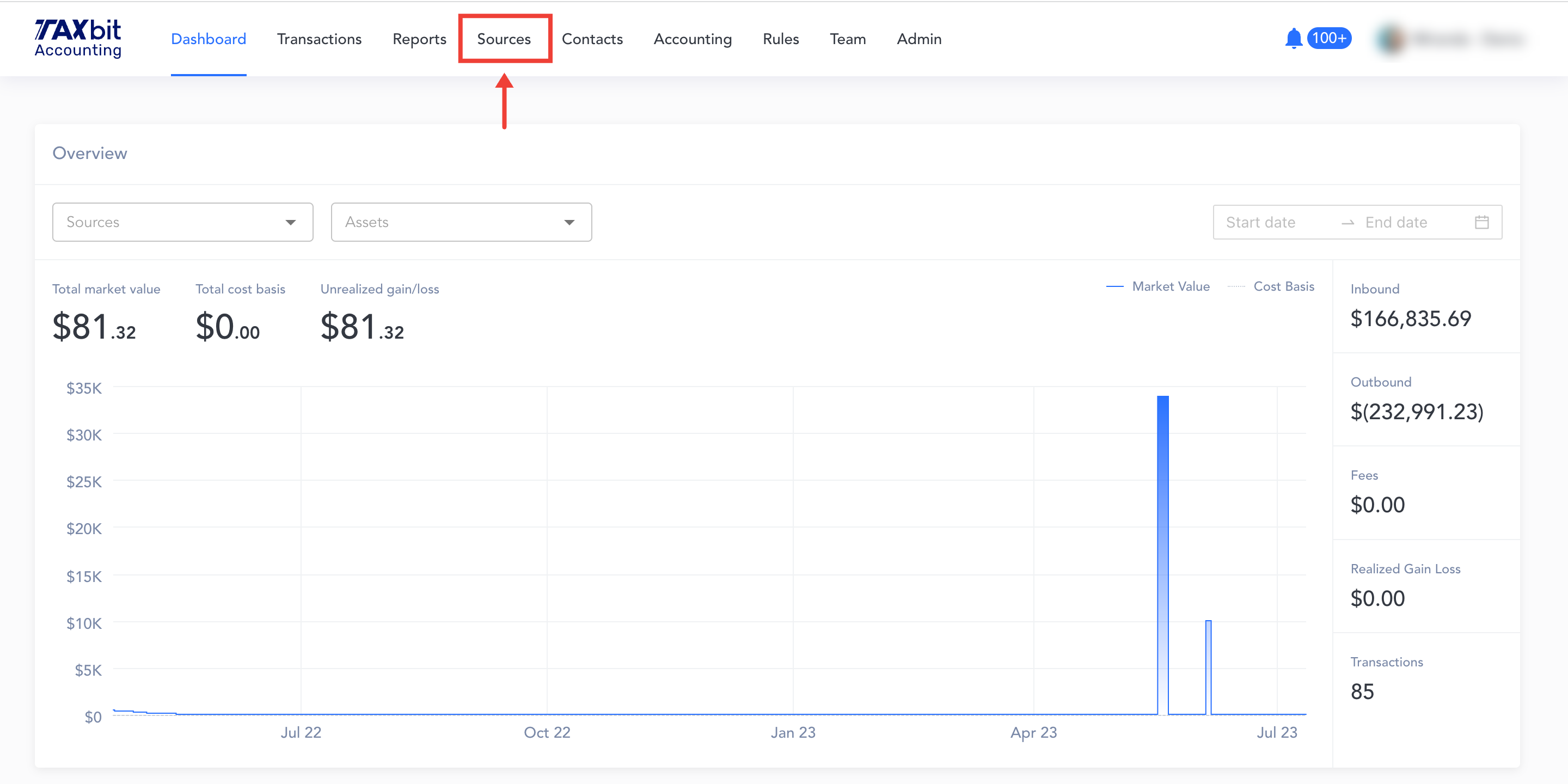
Step 1: Beginning from your Dashboard page, you'll want to navigate over to the "Sources" page
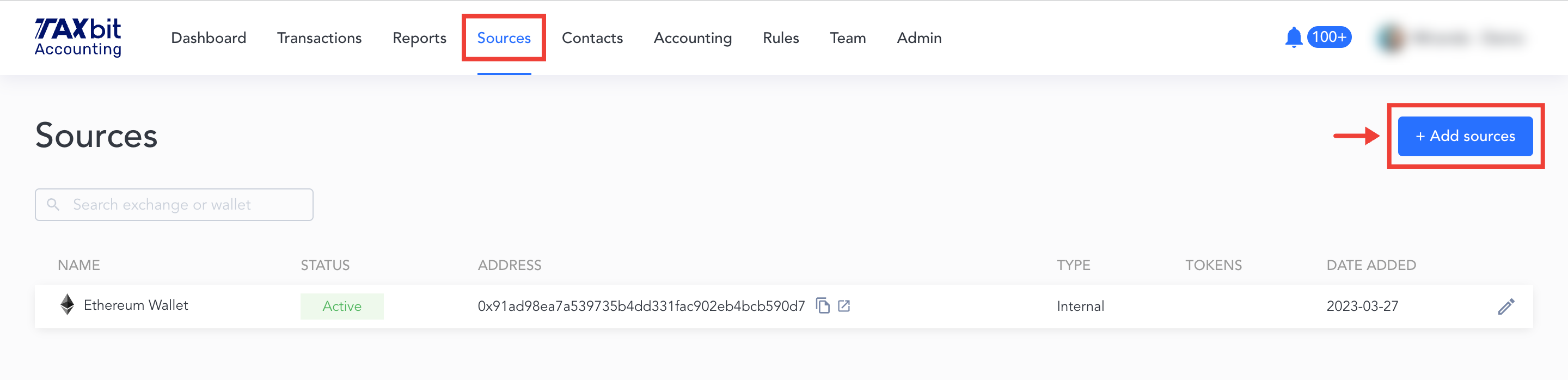
Step 2: From the Sources page, you'll click the "Add sources" button
Step 3: You'll see this screen appear, and then you'll select "Coinbase"

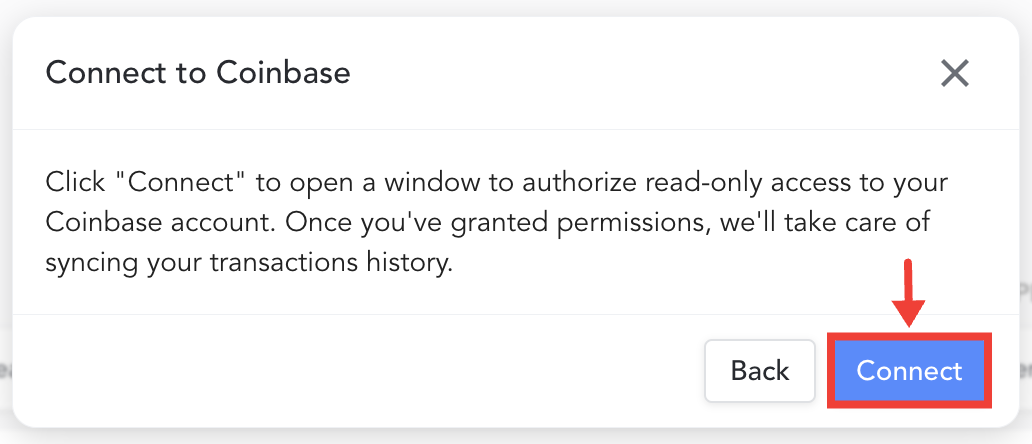
Step 4: Read over the brief instructions provided and then hit "Connect"
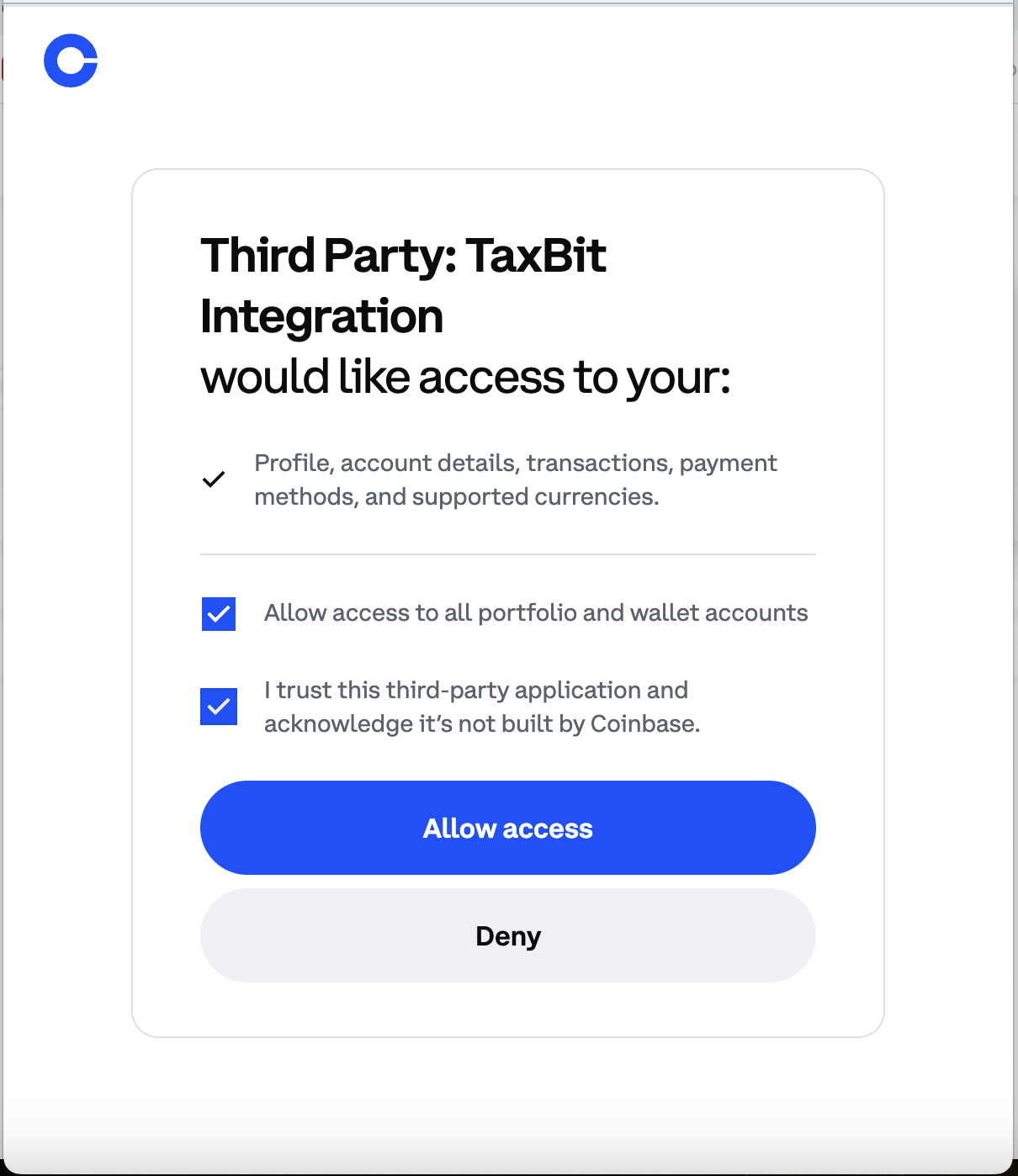
Step 5: Select "Allow Access".
After you've authorized the connection, you'll be able to see Coinbase listed on the Sources page.